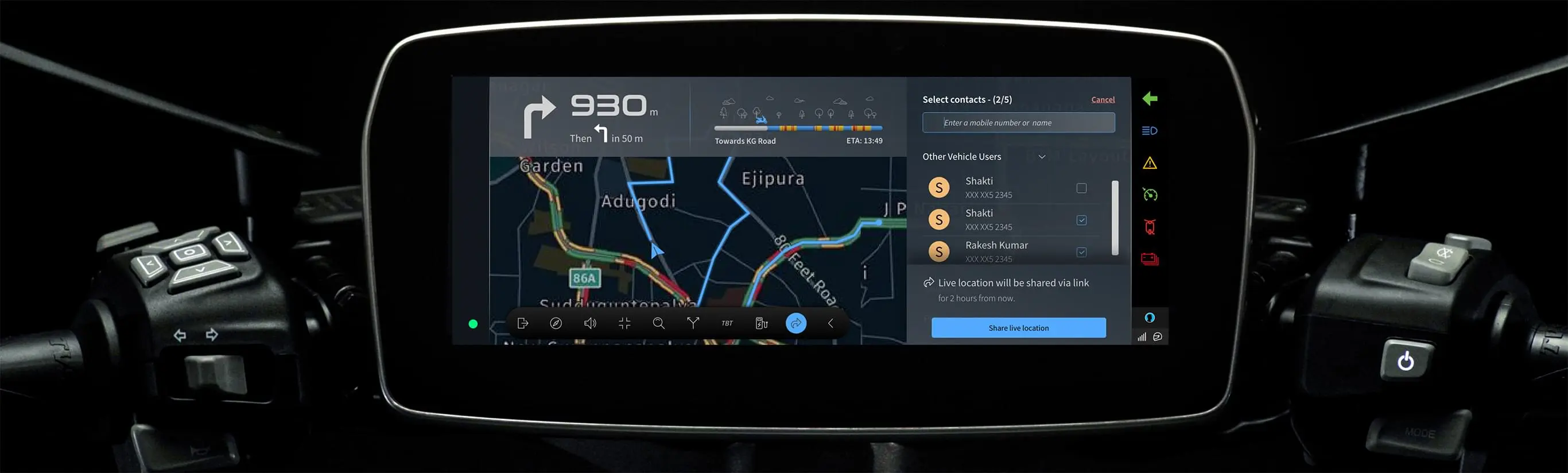
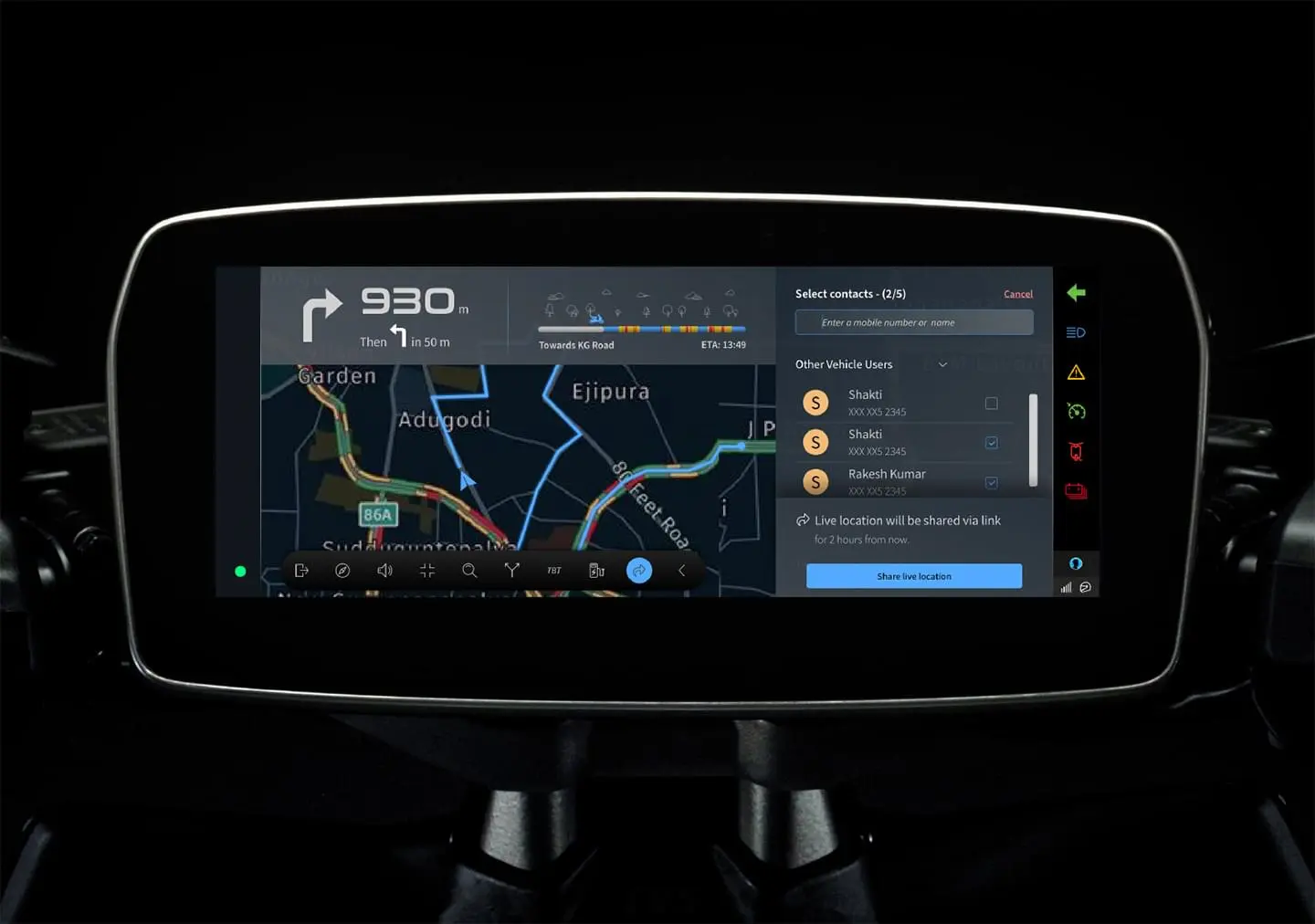
Your Adventure, Our Direction
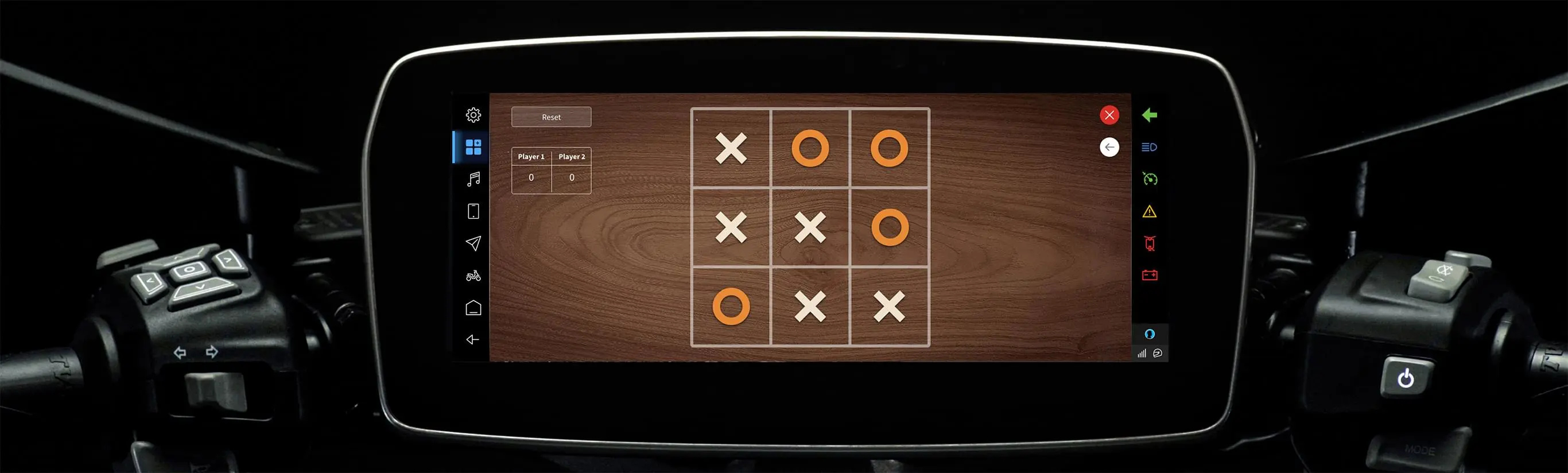
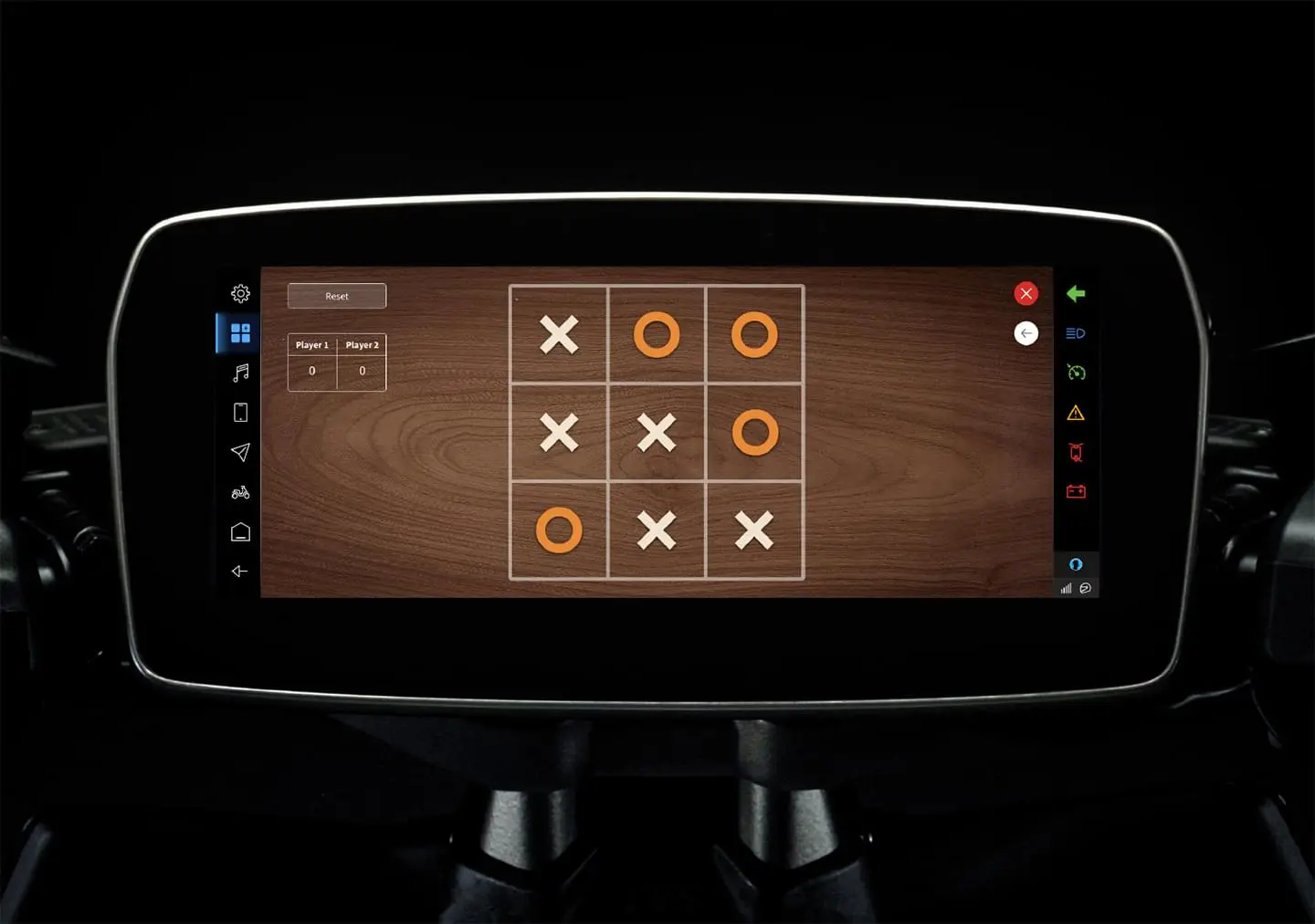
An Entertainment Powerhouse
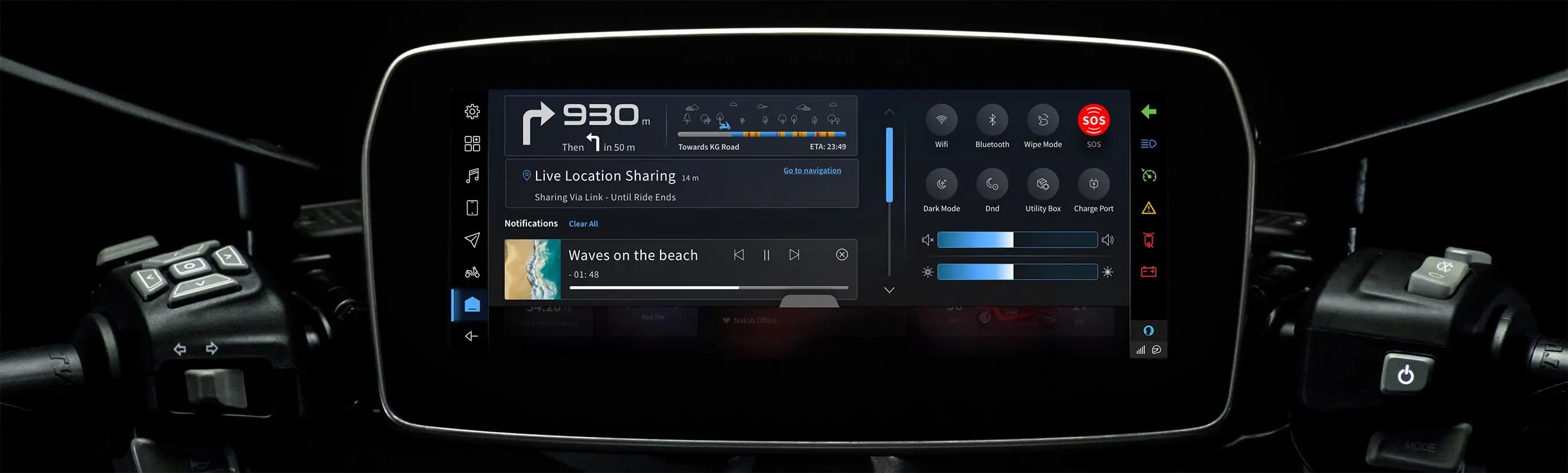
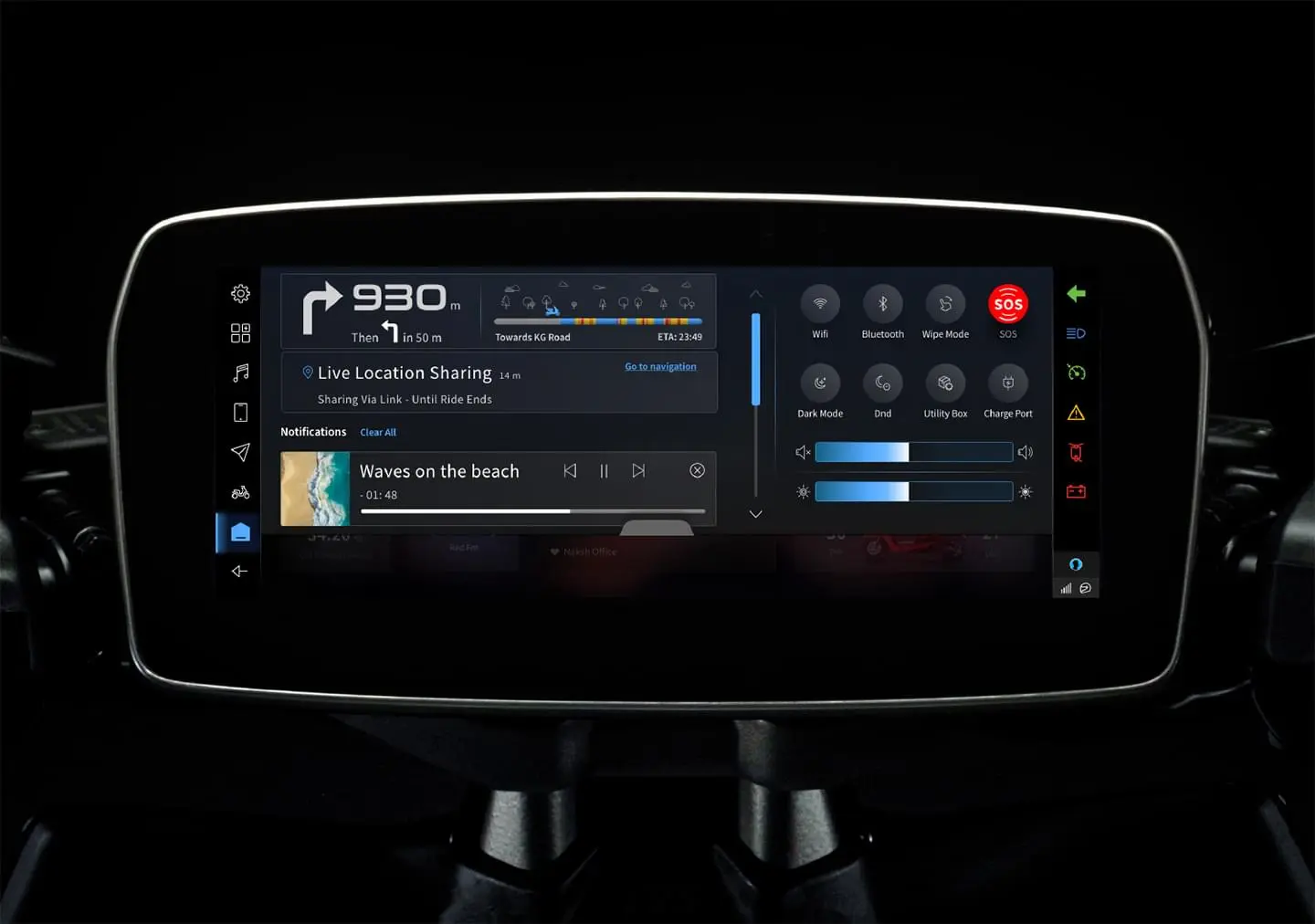
Ensuring Rider Safety and Security at Every Turn
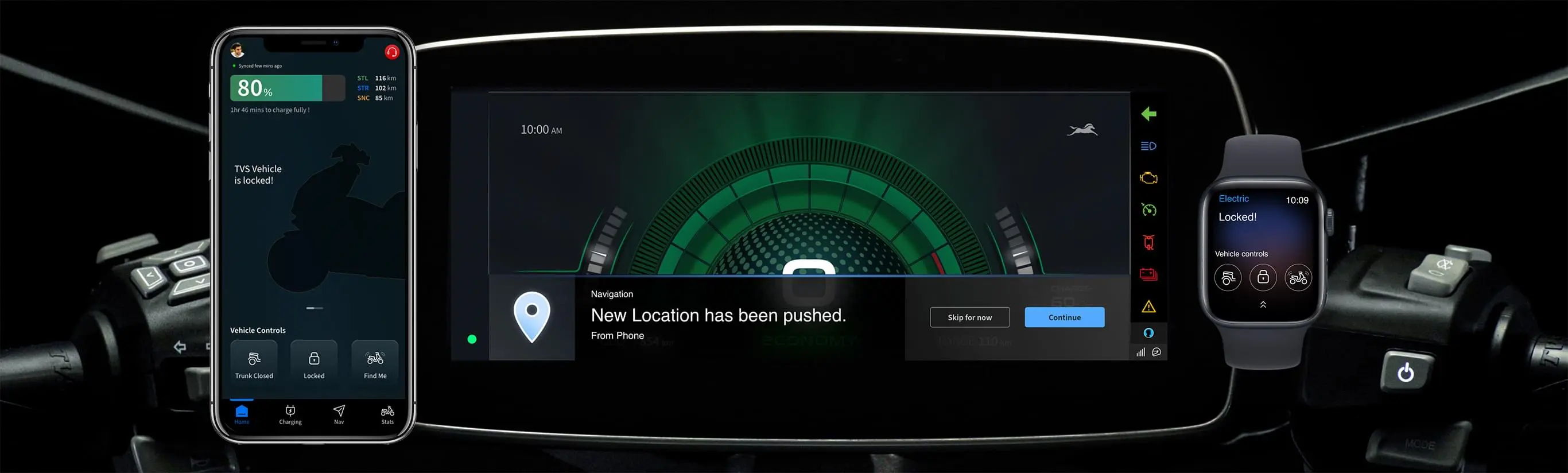
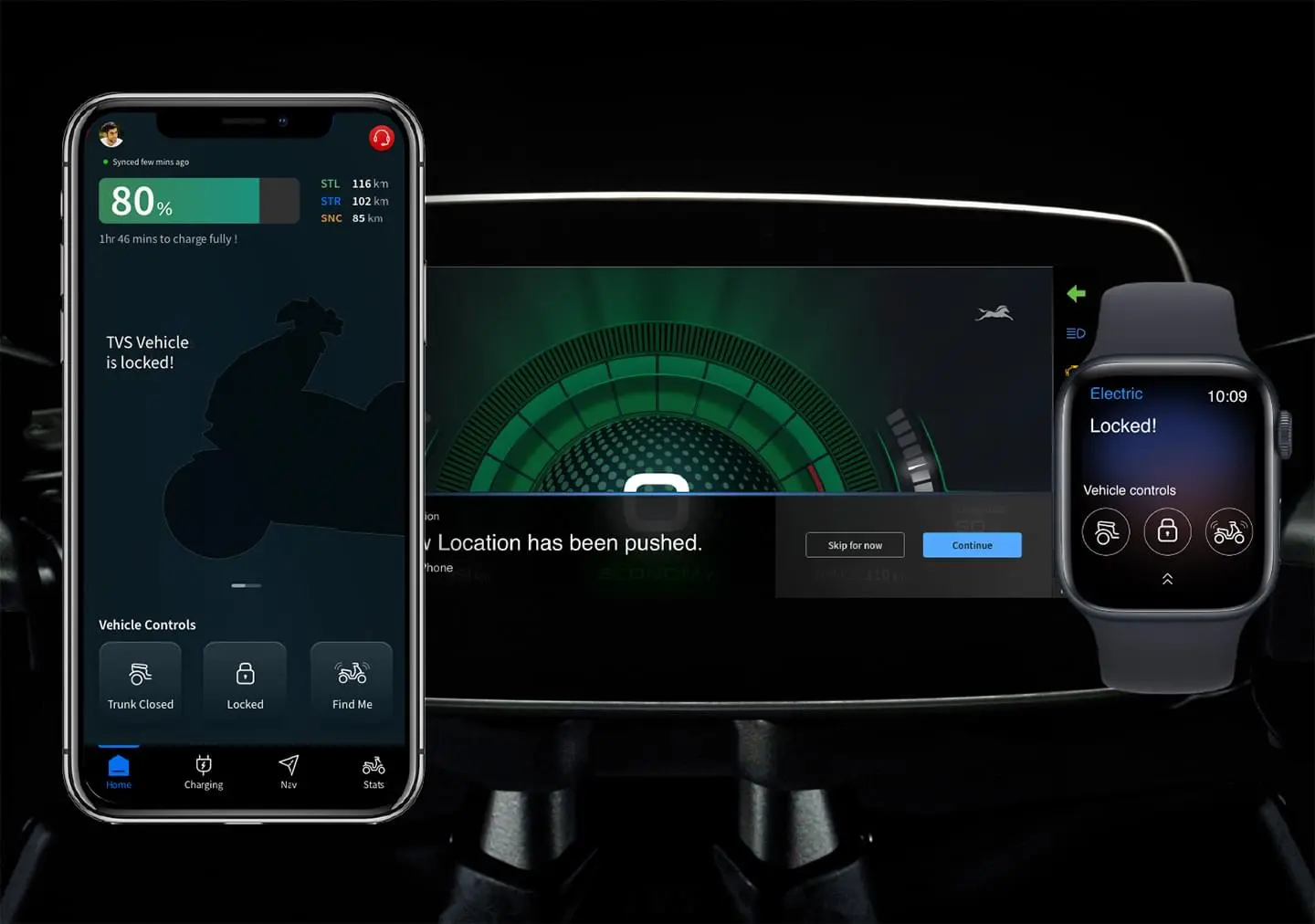
Seamless Smart Device Communication
Tailored Tech Built Around You
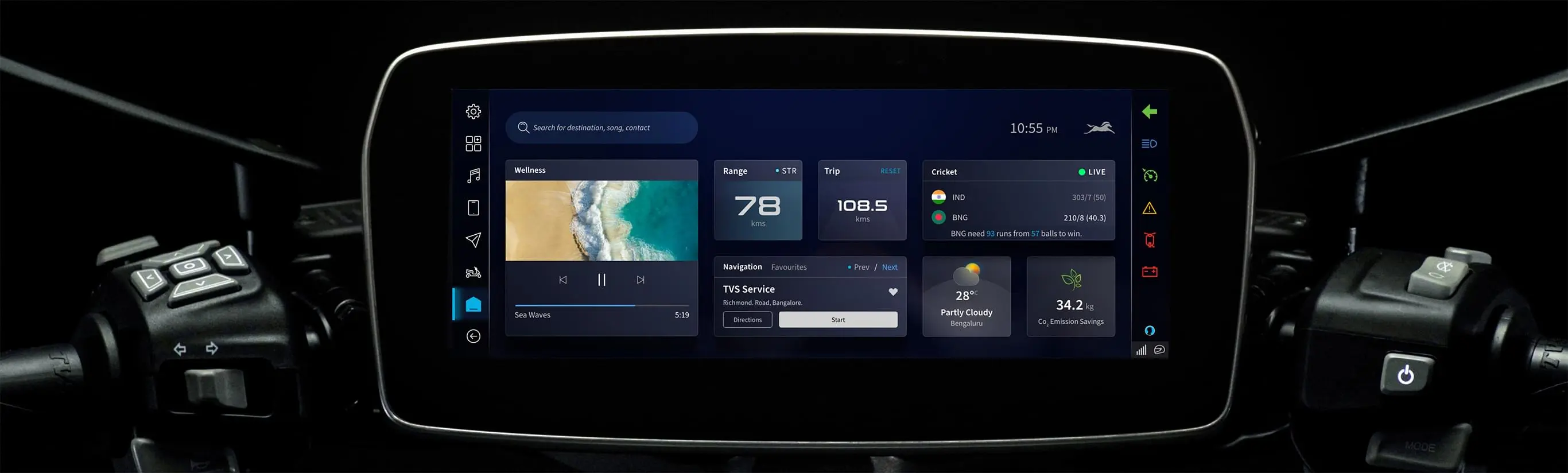
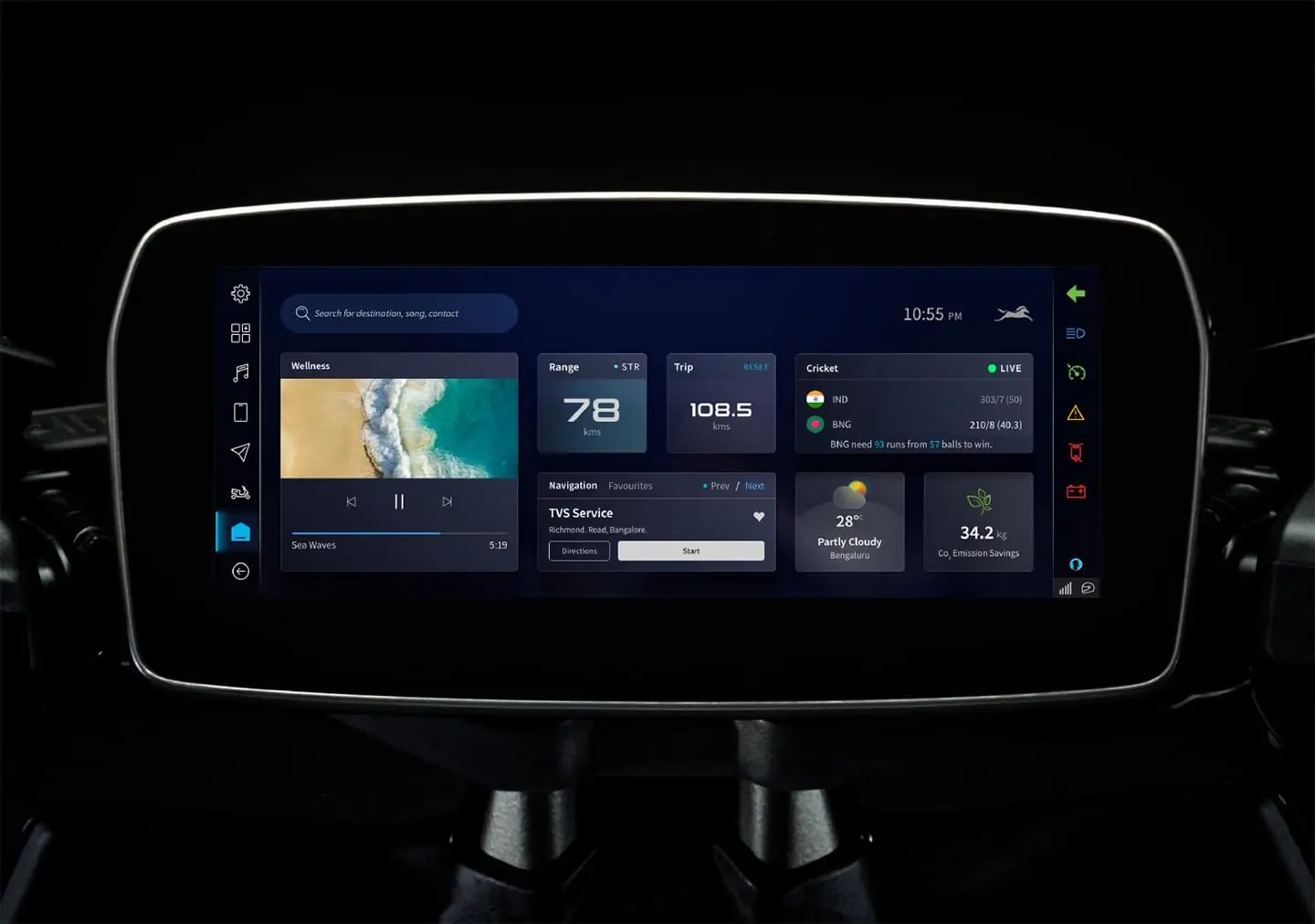
It runs on TVS X through its tiltable widescreen console, that come equipped with the interactive touchscreen dashboard.
No. You don't need a separate app. Google builds Android Auto directly into the core operating system of all modern Android phones (Android 11 and above). It operates natively in the background.
Just turn on your phone's Bluetooth and Wi-Fi. Once you pair your phone with the TVS dashboard for the first time, the scooter automatically triggers the phone's built-in software, and Android Auto launches on your cluster screen.
Only to let it update. Just like Google Maps or your phone's keyboard software, Android Auto updates itself in the background via the Play Store to fix bugs and add layout tweaks.
No. Android Auto is strictly for Android devices. iPhone users can still connect via standard Bluetooth using the TVS Connect app to handle regular phone alerts and music playback.
No. Once the initial wireless link is established, you can lock your phone and keep it safely in your pocket or the storage compartment.
Instead of basic arrow prompts or text turns, Android Auto projects the full, live Google Maps interface right onto your dashboard, complete with live traffic, alternate routes, and real-time ETAs.
Yes. Your active media player (Spotify, YouTube Music, Apple Music, etc.) populates right on the screen, showing your playlists, album art, song titles, and quick controls.
Incoming calls show the caller ID on the display, and you can accept or decline via the handlebar switches. For texts and WhatsApp messages, the system reads them out loud to your helmet headset, and you can dictate a voice reply.
Yes. The system uses a smart Split-Screen Layout. This organizes your screen dynamically so you can keep an eye on your map navigation while still seeing your music controls or an incoming call widget on a single screen.
Pressing the dedicated voice switch on your TVS handlebar acts as a quick shortcut to trigger Google Assistant. You can use voice commands to navigate, make calls, or skip tracks without ever letting go of the grips.
Yes. The TVS X Interactive TFT Touchscreen is completely sealed and weather-proof (IP67 rated). You can ride through heavy rain without worrying about water damage.
Heavy rain can sometimes cause accidental "ghost touches" on capacitive screens. This is precisely why touch functionality locks automatically when riding, forcing the system to rely entirely on the physical handlebar switches.
You will need touch-sensitive riding gloves to operate the screen while stationary. Standard thick leather or heavy fabric gloves won't register on the capacitive glass.
No. For safety reasons, Android Auto completely blocks video playback on the dashboard. The screen is strictly meant for navigation, music control, and hands-free communication.
Yes. Running constant wireless projection and GPS processing uses a lot of phone battery. For longer rides, it’s highly recommended to keep your phone plugged into the scooter's built-in USB charging port.
No. Android Auto handles the phone side of things (infotainment). Your actual riding modes (Xtealth/Xtride/Xonic on the TVS X), speed, and battery percentage are managed simultaneously by TVS's native software layer on the side of the screen.
This is rarely a scooter hardware problem. It usually happens if your phone is tucked away in a tight, unventilated storage space and starts overheating, which causes the phone to drop the wireless link. If it disconnects, let your phone cool down.
It uses your phone’s personal cellular data package for all live streaming, map routing, and voice search functions.
No. Google Assistant cannot access or alter the mechanical hardware, internal computer (ECU), or ride modes of the TVS X.
Any layout updates or feature upgrades happen automatically whenever the Android Auto software updates on your smartphone. You don't need to visit a TVS dealership for basic Android Auto updates.