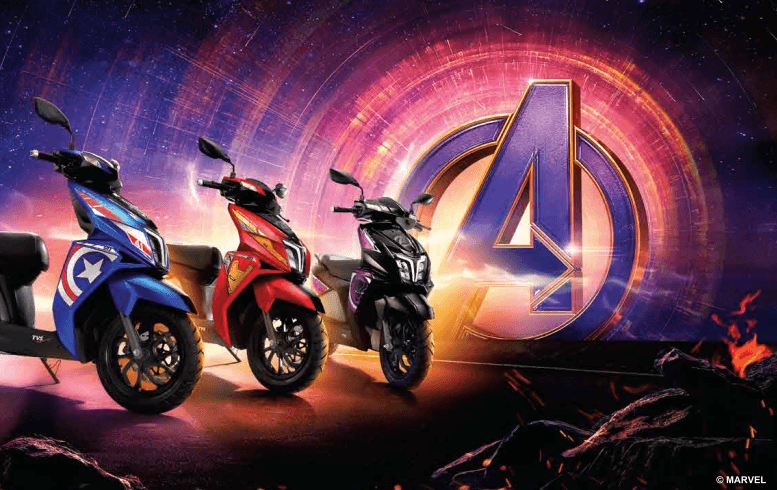
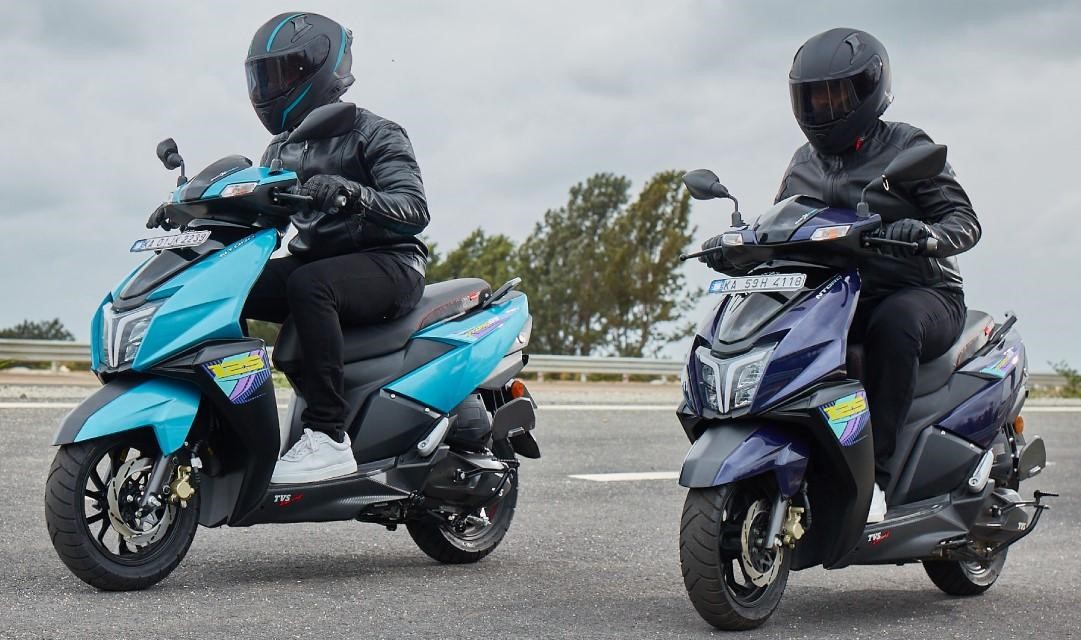
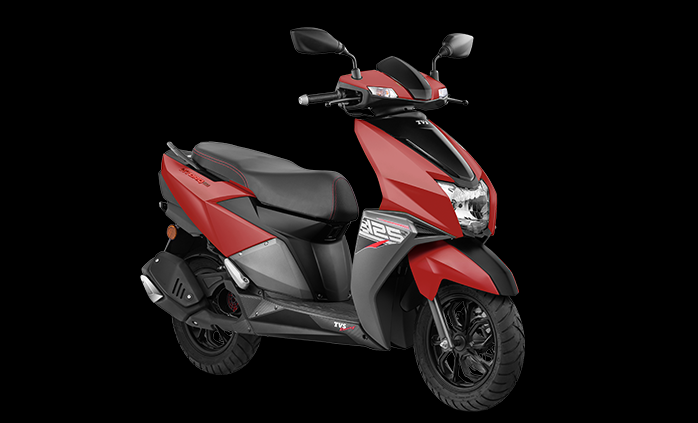
The TVS Ntorq community has grown tremendously, and a very sought-after and talked-about feature is the SmartXonnect. A standout feature in TVS Ntorq Race XP as well as the standard variants, it is a revolutionary connected technology from TVS Motor to unleash a world of connected awesomeness and mind-blowing features by keeping you connected even when you are on the move. Equipped with Bluetooth connectivity, it lets you connect your smartphone and access a wide array of features.
Here's a step-by-step guide on how to connect your TVS Ntorq Bluetooth to Android and iPhone devices.
For Android
Wondering how to connect TVS Ntorq via Bluetooth (For SmartXonnect in Android)?
• Ensure your TVS Ntorq’s Bluetooth is enabled.
• Make sure your smartphone's Bluetooth is also turned on.
• Download and install the TVS Connect app from the Google Play Store (Android) or App Store (iOS).
Steps:
1. Open the
TVS Connect app on your Android device.
2. Tap on the "Connect" button.
3. Your Ntorq should appear in the list of available devices.
4. Tap on your Ntorq to establish a connection.
5. You may be prompted to enter a pairing code. Refer to your Ntorq's user manual for the correct code.
For iPhone
The process of how to connect TVS Ntorq via Bluetooth (in iPhone) is also quite simple.
1. Open the
TVS Connect app on your iPhone.
2. Tap on the "Connect" button.
3. Your Ntorq should appear in the list of available devices.
4. Tap on your Ntorq to establish a connection.
5. If prompted, enter the pairing code from your Ntorq's user manual.
Once your device is connected, you can seamlessly enjoy:
• Navigation: The system uses your smartphone's GPS to provide turn-by-turn navigation on your main console for navigation.
• Music Playback: Stream music from your phone's music library.
• Call & SMS alert: Receive notifications for incoming calls and messages directly on your Ntorq's instrument cluster.
• Battery Status: Monitor your Ntorq's battery level and charging status.
• Vehicle Information: Access information about your scooter's odometer, trip meter, and other vital statistics.
By following these steps, you can easily connect your TVS Ntorq Bluetooth to your Android or iPhone and enjoy a seamless and connected riding experience. Download the TVS Connect App here to experience connected riding.
Book Now!
Also Read:
Understanding the Resale Value of the TVS NTorq
TVS Ntorq 125 XT – Powerful and Connected Performance
What Makes TVS NTORQ a Powerful Scooter for Long Rides in India?